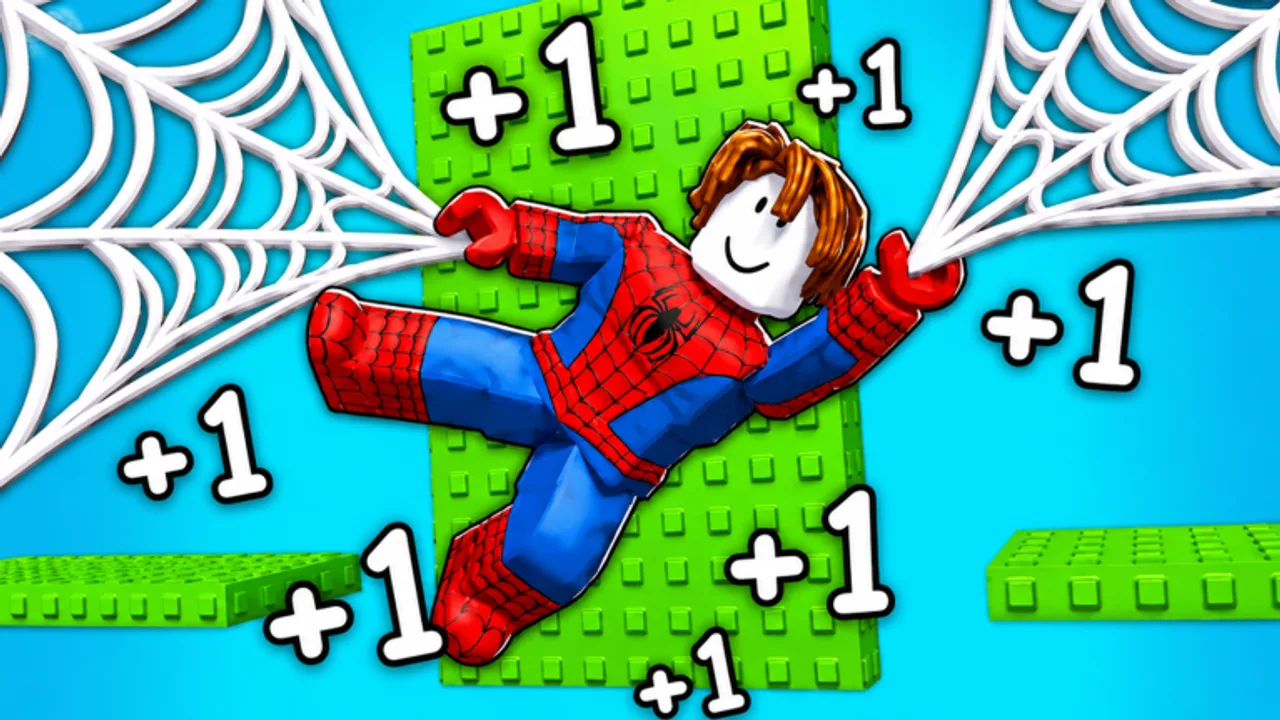
+1 Web Swing Escape Roblox Working Codes
Claim free Speed and Wins to accelerate your progress.
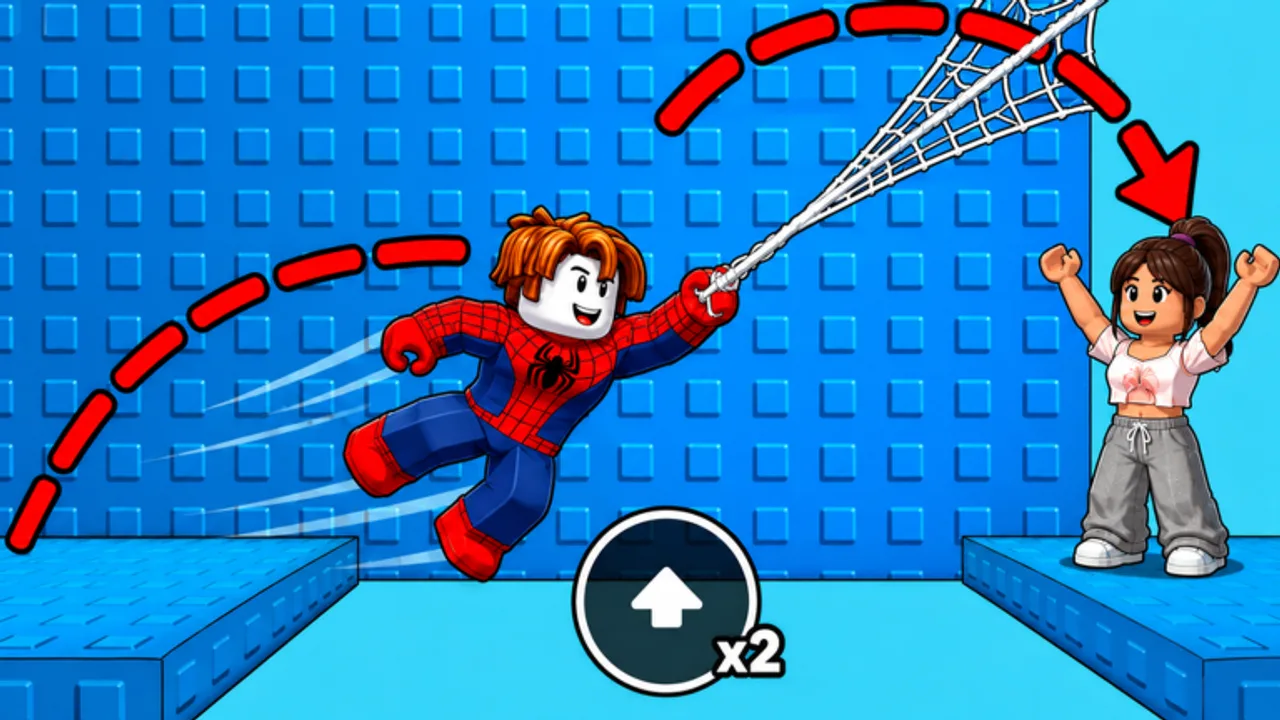
Use every working code below to grab free Speed and Wins in +1 Web Swing Escape. Speed boosts how fast your character moves through each course, while Wins add to your total and help unlock new suits. Codes expire without warning, so redeem them the moment you see them here.
Active Codes (Verified 2026-08-20)
| Code | Reward |
|---|---|
| SPEED | 5,000 Speed |
| LAUNCH | 300 Wins |
| WELCOME | 100 Wins |
| SWING | 10,000 Speed |
| CITY | 500 Wins |
| WINNER | 8,000 Speed |
| RACE | 200 Wins |
All seven codes were confirmed working on 20 August 2026. If any code stops working, the game will show an “Invalid” message and you can check back here for replacements.
How to Redeem Codes
- Launch +1 Web Swing Escape on Roblox.
- Tap the Shop button on the left side of the screen.
- Select the Codes tab in the shop window.
- Type or paste a code into the text field.
- Press Enter to submit, then press Enter again to confirm.
- Your rewards appear instantly — Speed is added to your stat and Wins go to your total.
Codes are case-insensitive, but copying them exactly from the table above avoids typos.
What Speed and Wins Do
Speed is the core stat in +1 Web Swing Escape. Every time you move — running, swinging, or launching — you earn +1 Speed passively. Codes give you a massive shortcut by injecting thousands of Speed at once. A code like SWING gives 10,000 Speed, which would otherwise take thousands of movement actions to earn naturally.
Wins track how many times you have completed an escape course. Wins appear on the leaderboard and are needed to unlock certain suits and cosmetics. The LAUNCH code alone gives 300 Wins, a strong head start for newer players.
When New Codes Drop
The developer, Grappling Games, tends to release new codes during milestones such as player-count records, major updates, and holiday events. Bookmark this page and check back whenever you log in. We test every code before listing it and remove expired ones promptly.
For more ways to build Speed, see the Speed Training guide and the How to Get Speed Fast guide. If you are brand new, start with Getting Started for a full onboarding walkthrough.
Where to Find New Codes
Codes for +1 Web Swing Escape are typically announced through the developer’s official channels. The fastest ways to catch new drops are:
- The verified Grappling Games social channels and the in-game news banner, which usually highlights active code milestones right after launch.
- The Roblox game page description, which is updated whenever a new code goes live.
- The official Discord community, where developers and moderators pin new codes to the announcements channel.
- Community wikis like this one, which verify every code against the in-game Shop before listing it.
Bookmark this page so you can check back after every update. We test each code by redeeming it in a fresh Roblox account, then publish only the ones that confirm the documented reward. Codes that fail validation are removed immediately and not silently left in the table.
Common Code Redemption Mistakes
If a code refuses to redeem, run through this checklist before assuming it has expired:
- Extra spaces at the start or end of the code. Most code text fields treat spaces as characters and will silently fail. Use the copy button on this page when available.
- Wrong input mode. Codes are typed into a plain text box. Some players accidentally paste into the chat window instead of the Codes field; chat-typed codes will not register.
- Already redeemed on your account. Each Roblox account can claim a code once. If you have already used a code on this account, you cannot redeem it again.
- Region or session mismatch. If you are using a Roblox account from a different region than where the code was issued, occasional mismatches happen. Switch to the primary account that matches your Roblox profile region.
- Stale cached session. Logging out of Roblox and back in forces a fresh session, which sometimes fixes codes that show “Invalid” the first try.
If the code still fails after the checklist, it has likely been retired by the developer. Move on to the next code in the list and check back here later — we update the table whenever new codes are verified.
Why Codes Are Worth Redeeming First
Every player starts at 0 Speed and 0 Wins. Codes compress the early-game grind into a single two-minute step. With the seven active codes you can stack 23,000 Speed and 1,100 Wins before you even start your first course. That head start lets you skip past the slowest part of the progression curve and reach a Speed level where every movement action meaningfully contributes to your stat.
After you redeem the codes, follow the How to Get Speed Fast guide to keep the momentum going. The combination of redeemed Speed, focused movement, and the Speed Training routine gives new players the fastest path to mid-tier content.
Frequently Asked Questions
Quick answers to the most common questions.
Why does my code say Invalid?
The code has either expired or was typed incorrectly. Codes are case-insensitive, but double-check for extra spaces. If the code is correct and still fails, it has been removed by the developer.
How often are new codes released?
New codes typically appear during milestones like player-count records, major game updates, and seasonal events. There is no fixed schedule, so check back regularly.
Can I redeem the same code on multiple accounts?
Yes. Each Roblox account can redeem every code once. If you play on an alt, enter the same codes on that account for the same rewards.
Do codes give the same rewards every time?
Each code has a fixed reward that does not change. The SPEED code always gives 5,000 Speed, SWING always gives 10,000 Speed, and so on.